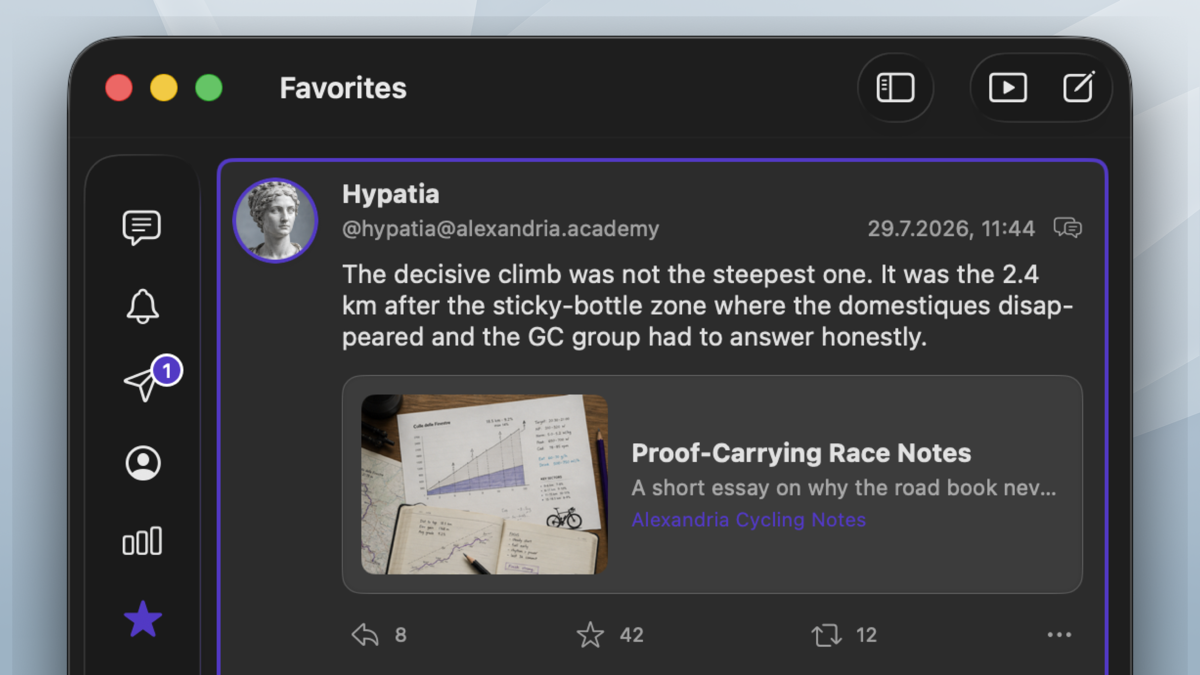
Keyboard first
Move through timelines, open context, and act on selected posts quickly from the keyboard.

Mastodon for macOS
Maxtodon brings Mastodon into a Mac app shaped around keyboard flow, native windows, persistent drawers, media browsing, reader view, sharing, notifications, and small touches that reward daily use.
Direct download and TestFlight are available now. Mac App Store release follows later.
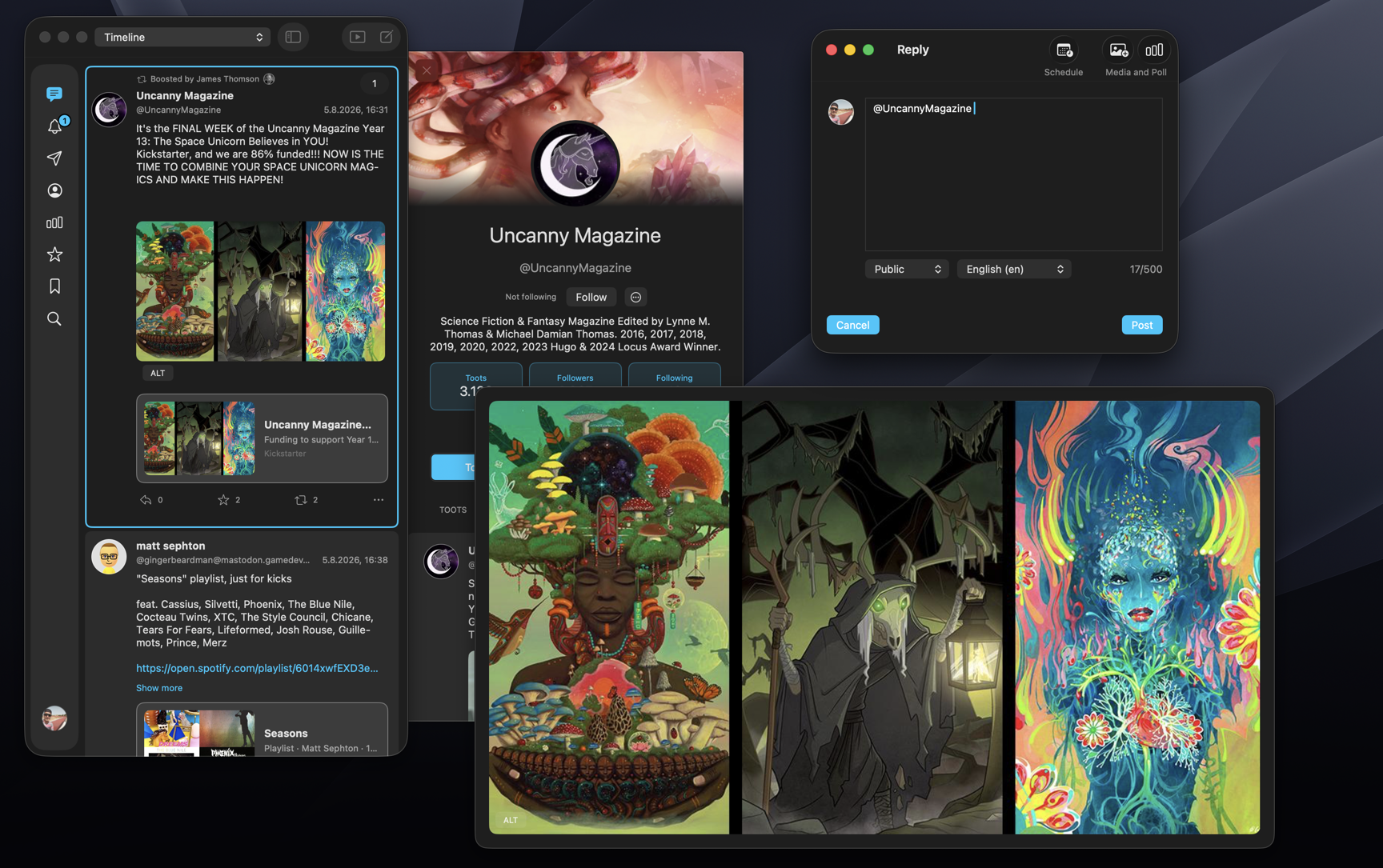 Open fullscreen
Move through timelines, open context, and act on selected posts quickly from the keyboard.
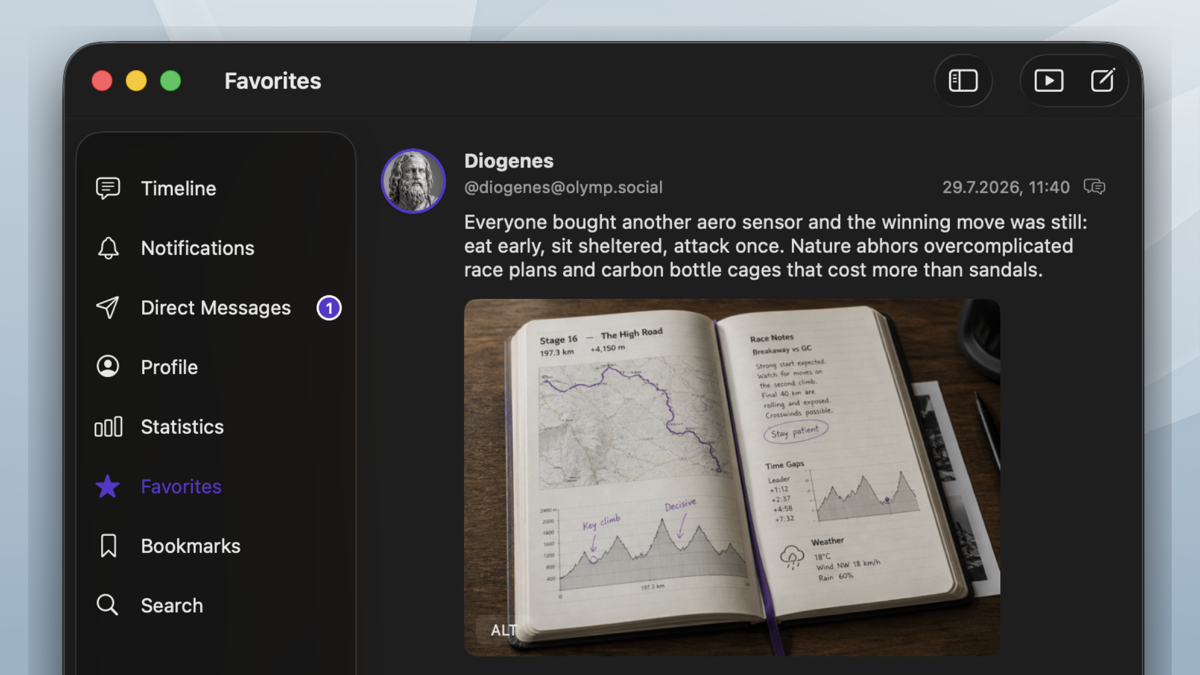
Developed with AppKit for macOS, with native windows, menus, settings, sharing, notifications, and system behavior.
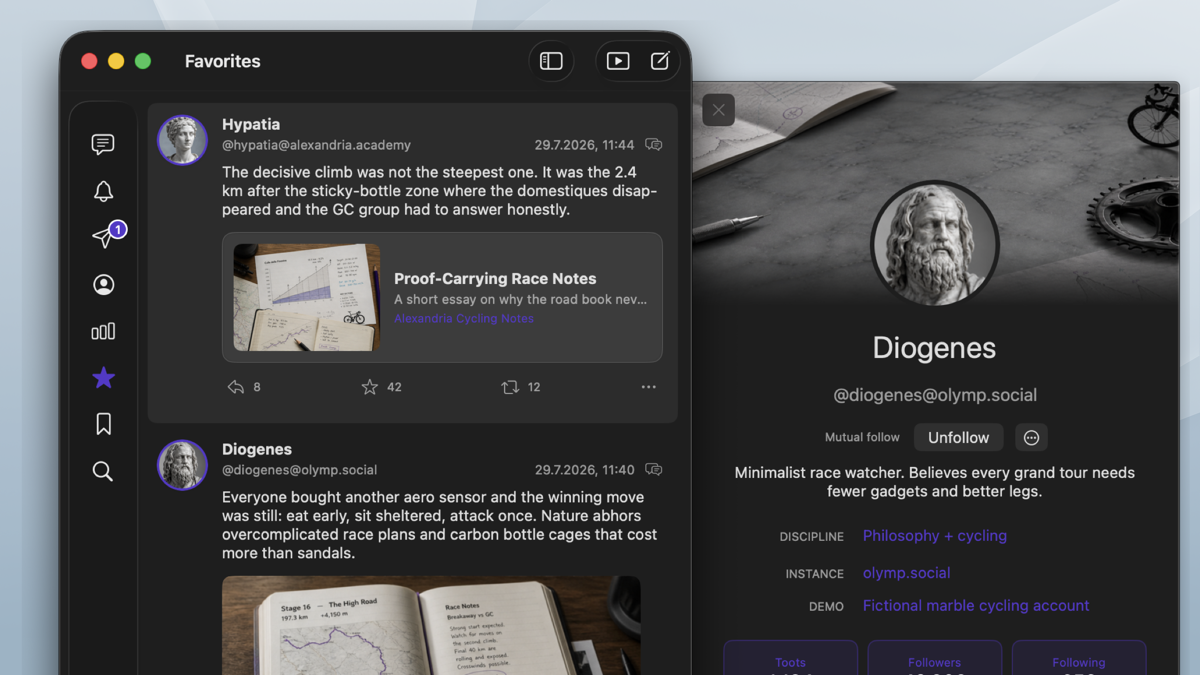
Open profiles, conversations, interactions, quote posts, edit history, threads, and links without losing your place.
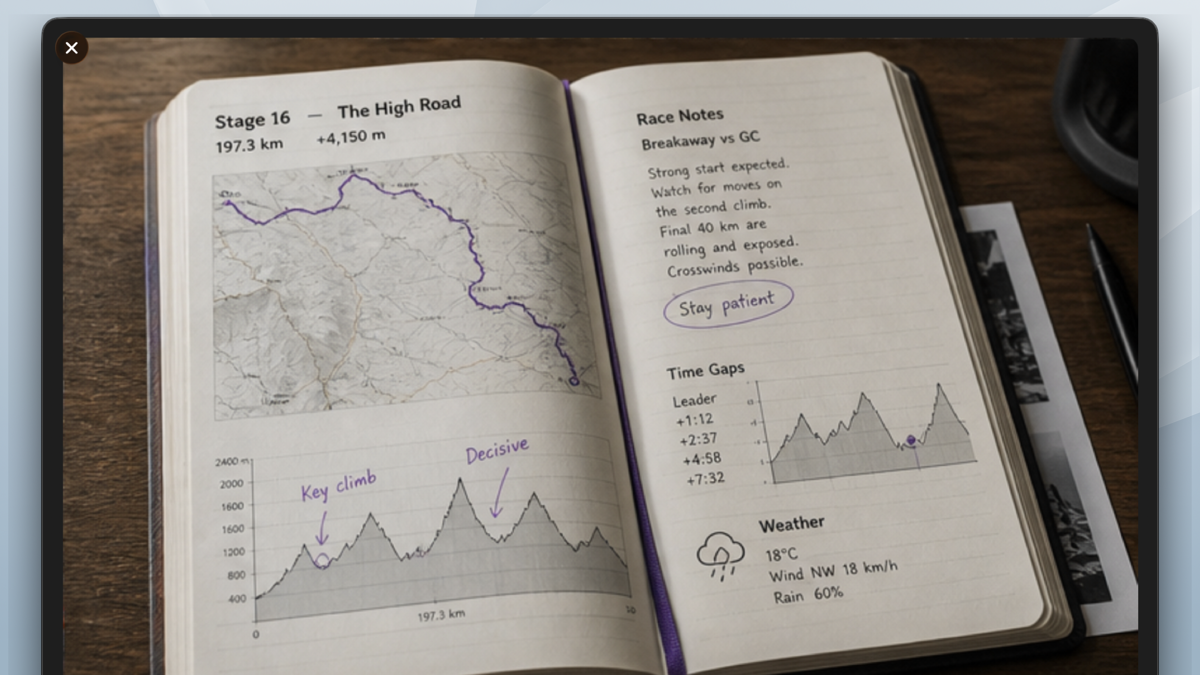
Browse photos and videos from the timeline in a dedicated media viewer with slideshow-style navigation.
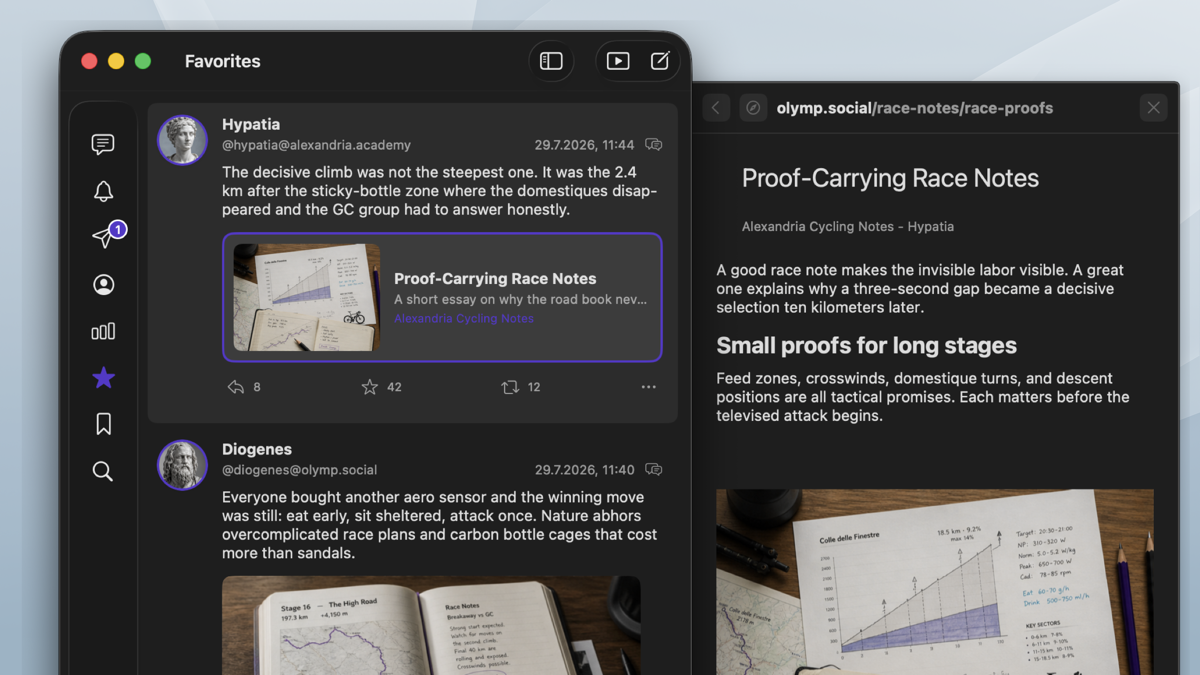
Turn links and toot threads into focused reader articles directly from drawers and context menus.
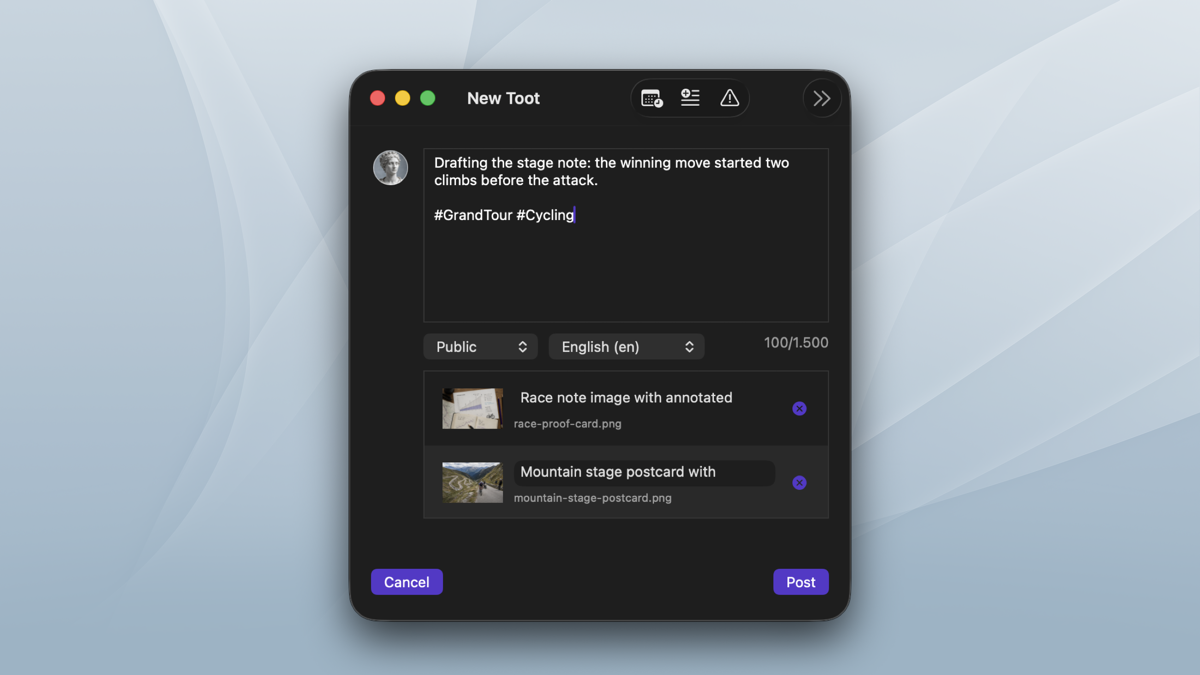
Send web pages, links, and selected text from macOS sharing flows straight into the composer.
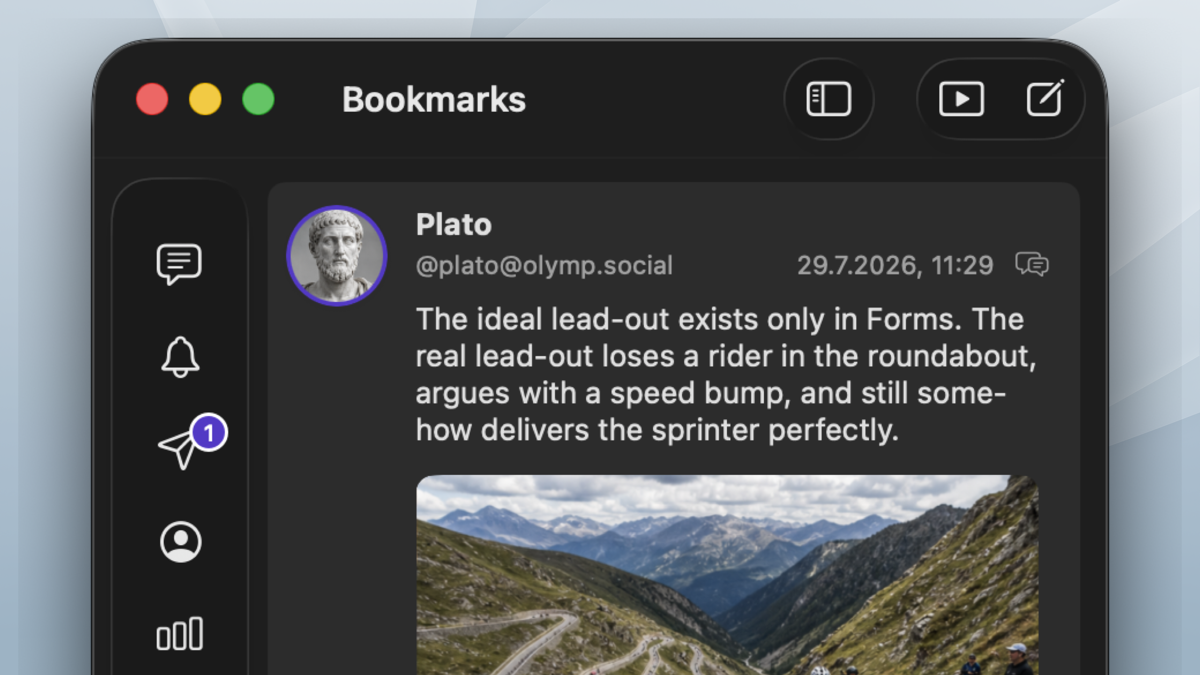
Use lists, hashtag filters, favorites, profile views, notifications, messages, and search as separate places.
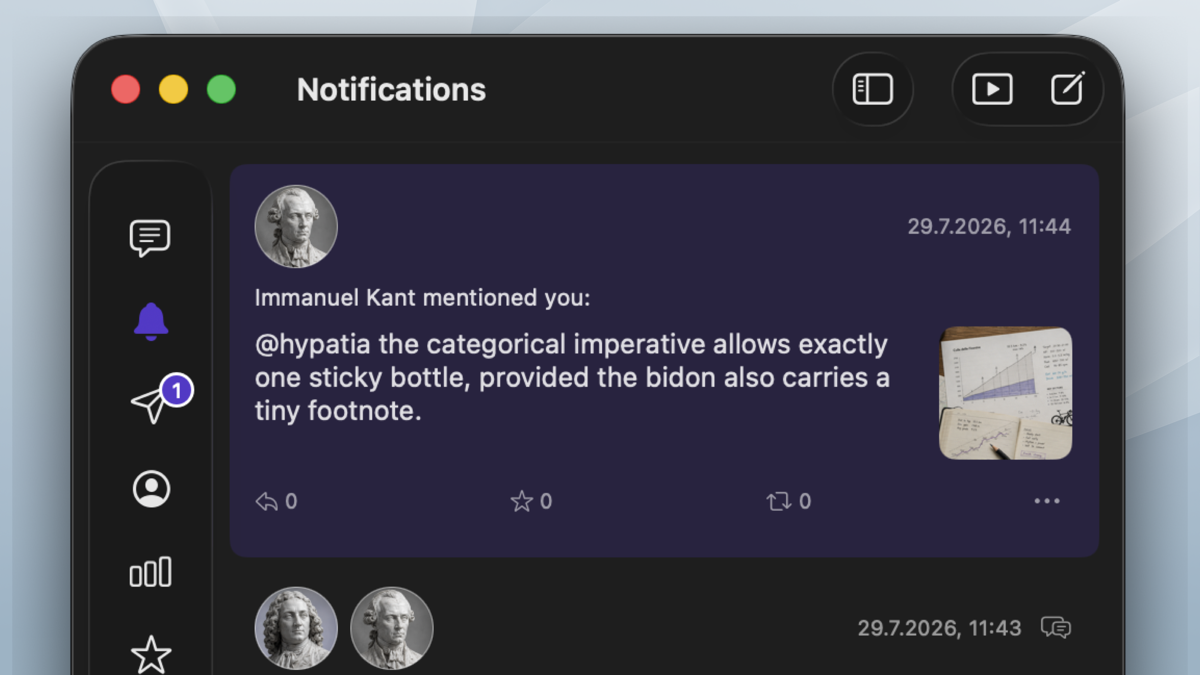
Push notifications keep mentions and interactions visible, with controls for badges and background refresh.
The direct build is available now. Maxtodon Pro is a $19.99 one-time license and unlocks additional accounts, hashtag filters, lists, and thread tools.
Join the TestFlight to try the App Store build before launch. No money is charged in TestFlight.